Chrome profiles
Each identity keeps its own cookies, sessions, tabs, and account mapping. A selected message opens through the profile that owns it.

Ratatoskr · Private preview
macOSA permission-aware command center for Gmail and Google Workspace. Notice what needs attention in one place, then act inside the Chrome profile that owns it.
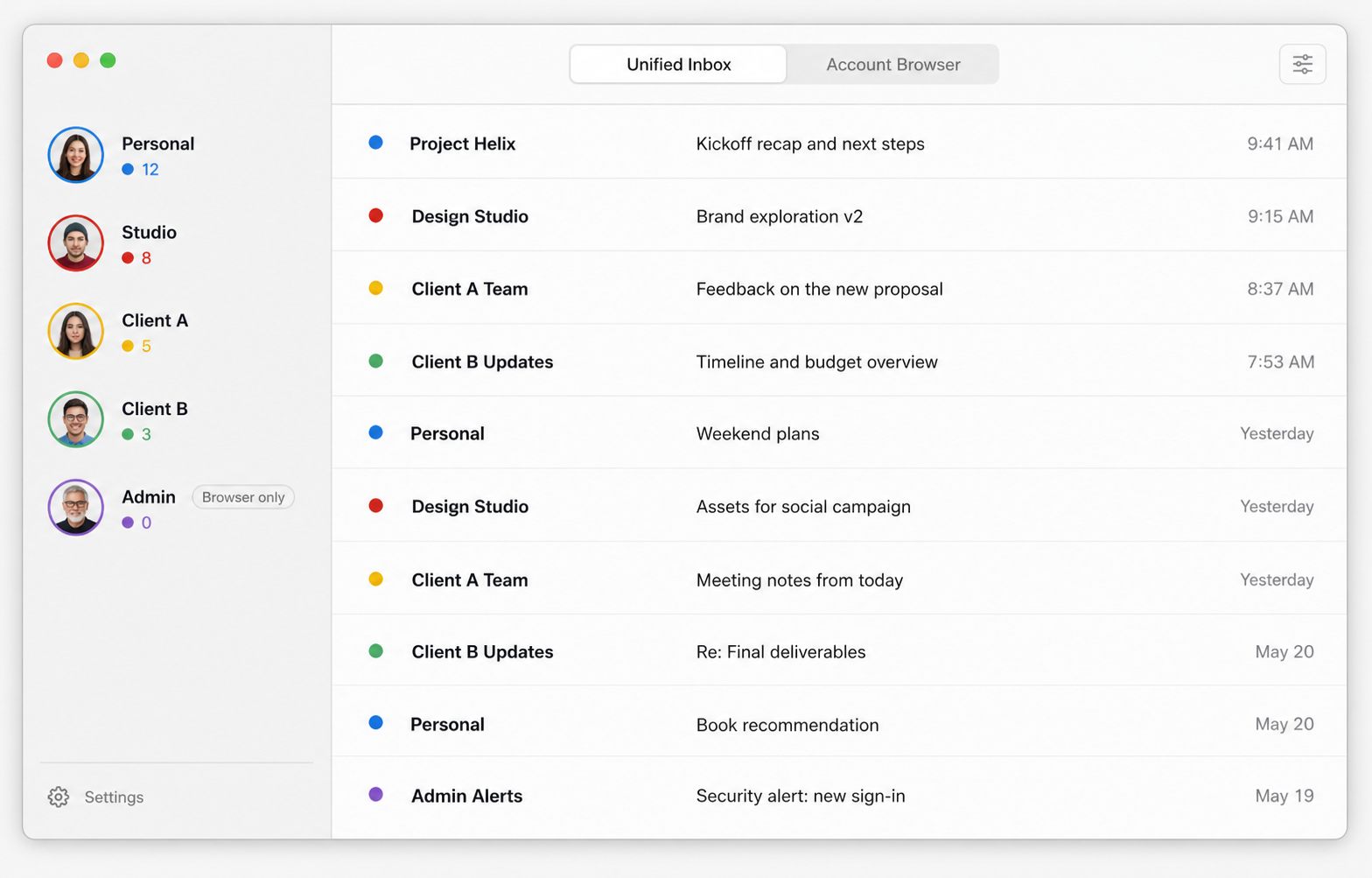
Unified where permission allows. Browser-only where policy requires.
The problem
Tabs and account menus turn identity into a recurring decision. The wrong account can make a reply, upload, calendar action, or Drive link somebody's new cleanup job.
Ratatoskr makes the owning identity visible and keeps restricted accounts useful without pretending their policies do not exist.
Separate by default
No universal session. No shared mailbox password. No helpful little service quietly collecting everybody's email.
Each identity keeps its own cookies, sessions, tabs, and account mapping. A selected message opens through the profile that owns it.
Each person connects only mailboxes they may access. Tokens remain in macOS Keychain and can be revoked at any time.
Google's narrow gmail.metadata permission brings sender, subject, date, labels, and unread state into one local index.
Local by design
Ratatoskr talks directly to Google. OAuth tokens live in macOS Keychain and the inbox index stays inside the user's macOS account. Tigerclaw does not receive, sell, inspect, or train on Google user data.